
AI training where people leave with something that works.
Hands-on Claude and AI workshops for professionals and for companies. No theory marathons. Everyone works on their own laptop, on their own work, and walks out with a set-up they use on Monday.
- 4.45/5
- avg. rating, latest corporate cohort
- 100%
- hands-on, on your own laptop
- 1 day
- from zero to a prioritised AI roadmap
“Start using Claude” — #1 Monday action
Whether it's you, or your whole company.
Same principle for both: learn it by building it. The difference is what you build.
 For individuals
Claude Level 2 — public cohort
For founders, consultants and professionals who already use the Claude app and want the next step: Claude Code, running on your own machine, wired into your email, notes and documents.
- Small open cohorts in Dubai
- Your own AI assistant by the end of the day
- Attendees get replay videos of every step
 For companies
Corporate AI workshop — built around your team
For leadership teams, department heads and staff. We teach the tools you already pay for, then run a structured session where your people map their own problems onto AI and leave with a prioritised roadmap.
- 15–40 people, on-site or at a venue
- Use-case cards tailored to your industry
- Post-workshop report with a costed roadmap
Claude Level 2: from the app to your own AI assistant.
You've learned to prompt. Level 2 is where Claude stops being a chat window and becomes your operating system — running on your machine, with access to your email, your notes and your files.
Built for people who've done a basic Claude course but have never opened a terminal. Run with our partners at Sprout Academy.
What you build, step by step
Step 1
Install Claude Code
Terminal, Homebrew and the Claude CLI — set up properly on your own Mac, with someone next to you when it breaks.
Step 2
Plug in your email
Connect your inbox so Claude can triage, summarise and draft. Your inbox, sorted before 9am.
Step 3
Give Claude a second brain
A notes vault Claude reads and writes to, so it remembers your clients, projects and decisions.
Step 4
Make it brand-aware
Teach it your tone, your templates and your brand rules once. Stop re-explaining every chat.
Step 5
Build & fix real documents
Proposals, reports and client docs generated as HTML, turned into clean PDFs and backed up.
Step 6
Connect anything
Calendar, Drive, CRM — how connectors work, so you can keep extending it after the workshop.
You leave with your own AI assistant
One assistant, three superpowers: it reads your inbox, remembers your work and produces finished documents — and it's yours to keep building.
Your team maps its own problems. Then AI gets pointed at them.
Generic AI training gets forgotten by Wednesday. Our corporate format spends half the day teaching and half the day on your actual work — so the output isn't a certificate, it's a ranked list of things worth automating, drawn up by the people who do the work.
Educate
Where AI actually is right now, what it can and can’t do, and the accuracy and confidentiality rules your people must follow. Then a deep-dive on the tools you already pay for — Claude, ChatGPT or Copilot — and the features nobody on your team is using yet.
Discover & design
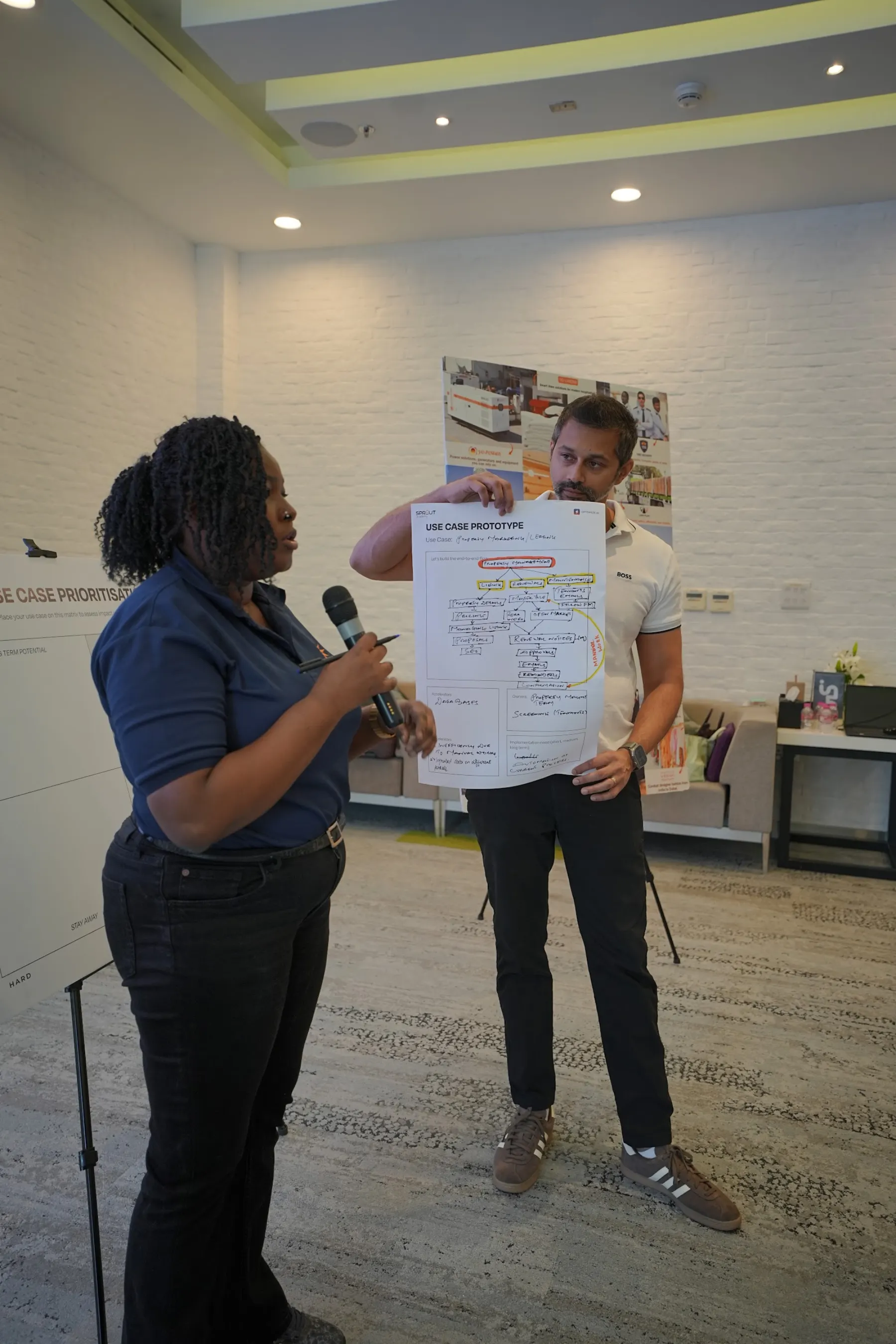
Teams work from use-case cards written for your industry. Every real problem goes on a sticky note, gets sorted into “good for AI” or not, and the strongest ones are designed step by step on a canvas — then placed on a value-vs-effort board in front of the room.
Roadmap
A written post-workshop report: every use case your teams produced, ranked, with what it would take to build, what you can do with tools you already own, and where a specialist build is worth it. Plus a named internal AI champion to own the rollout.
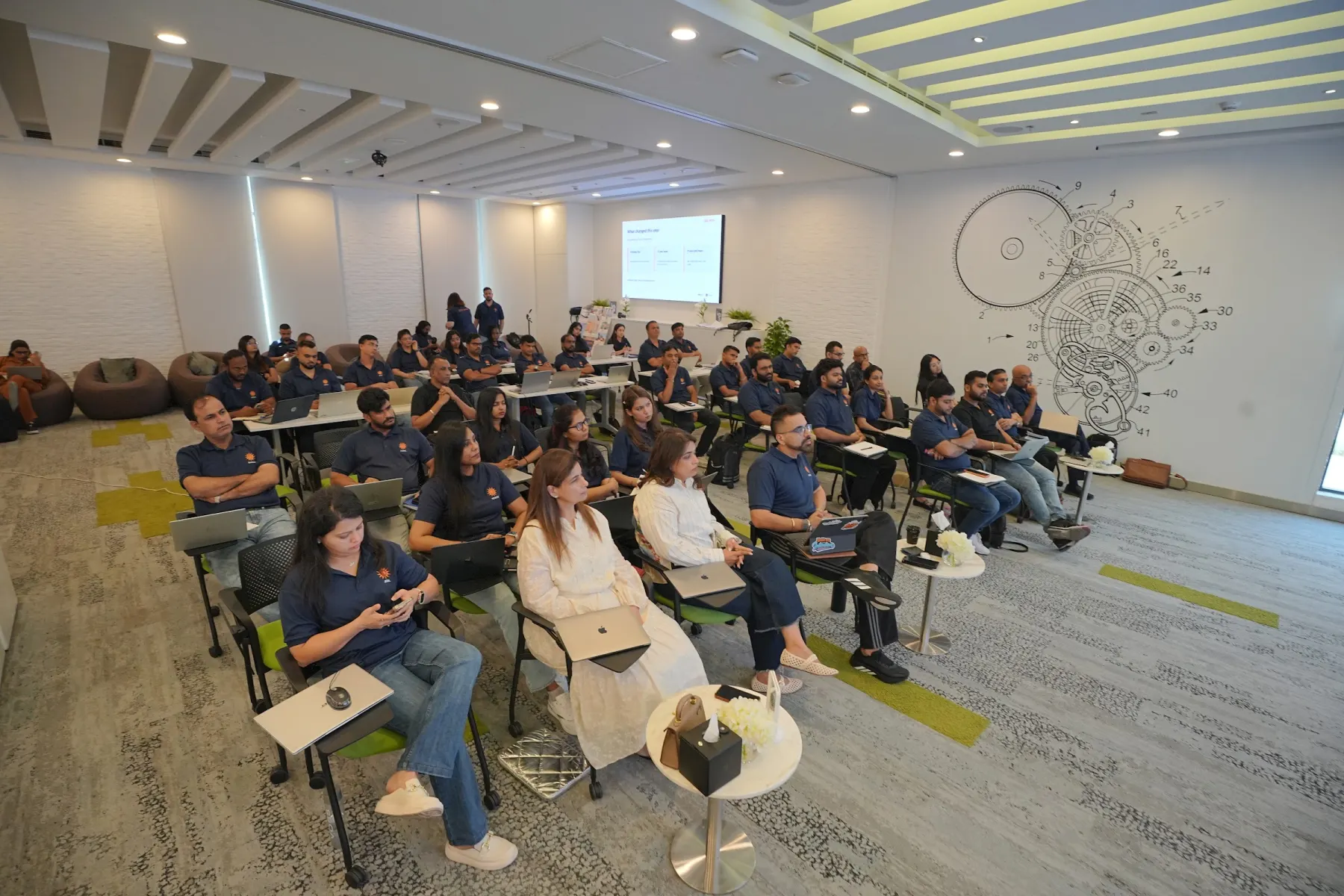
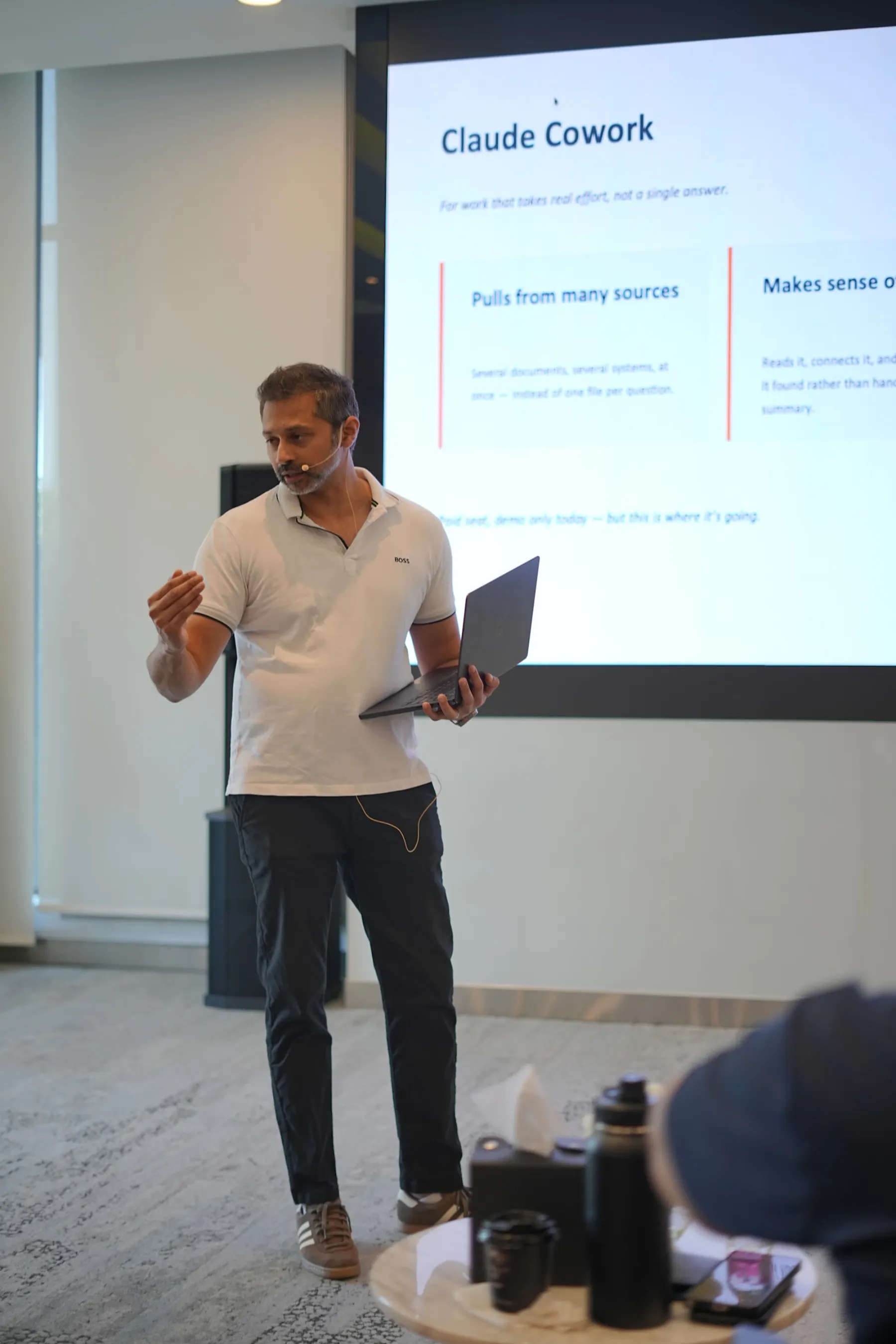
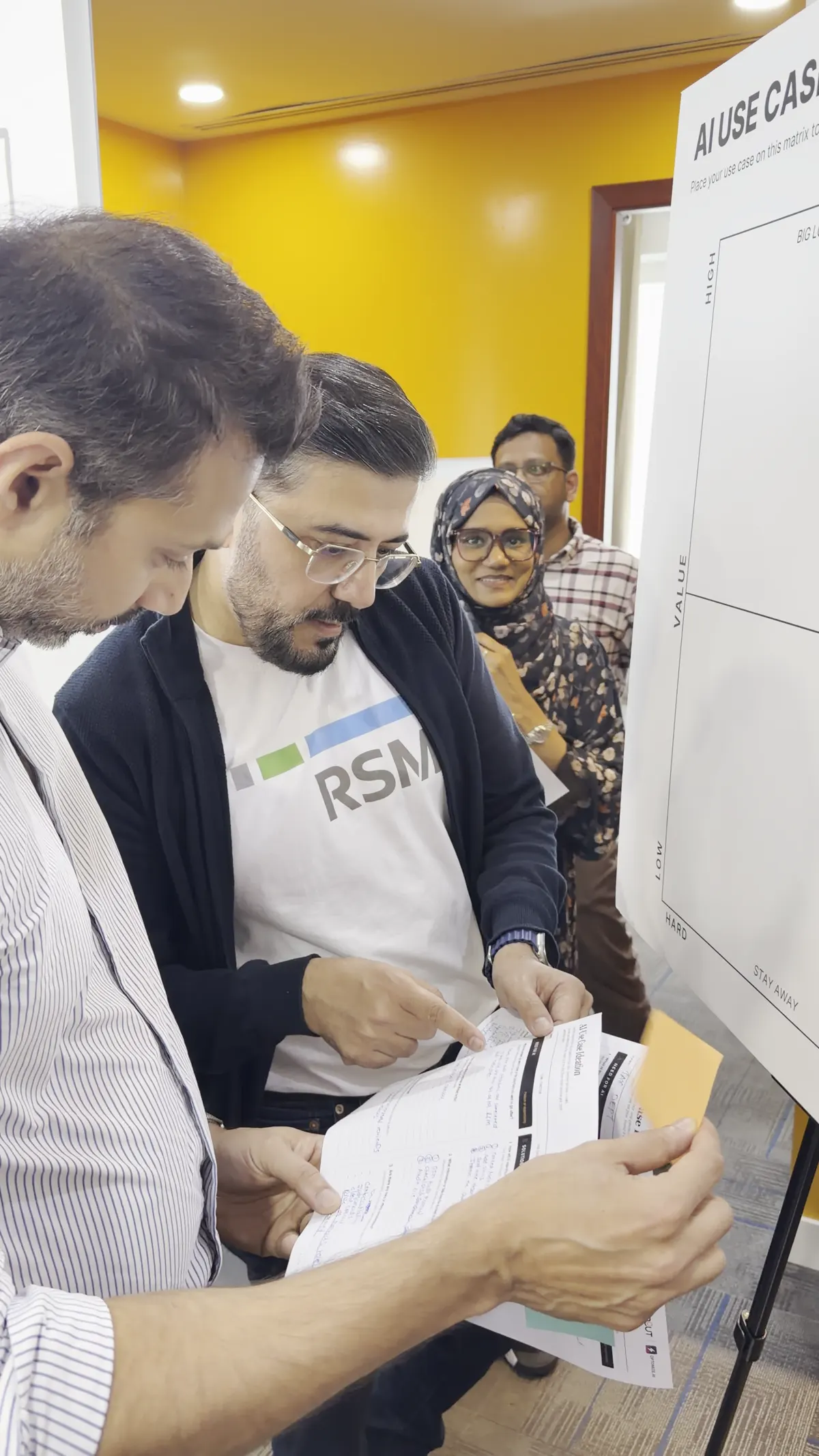
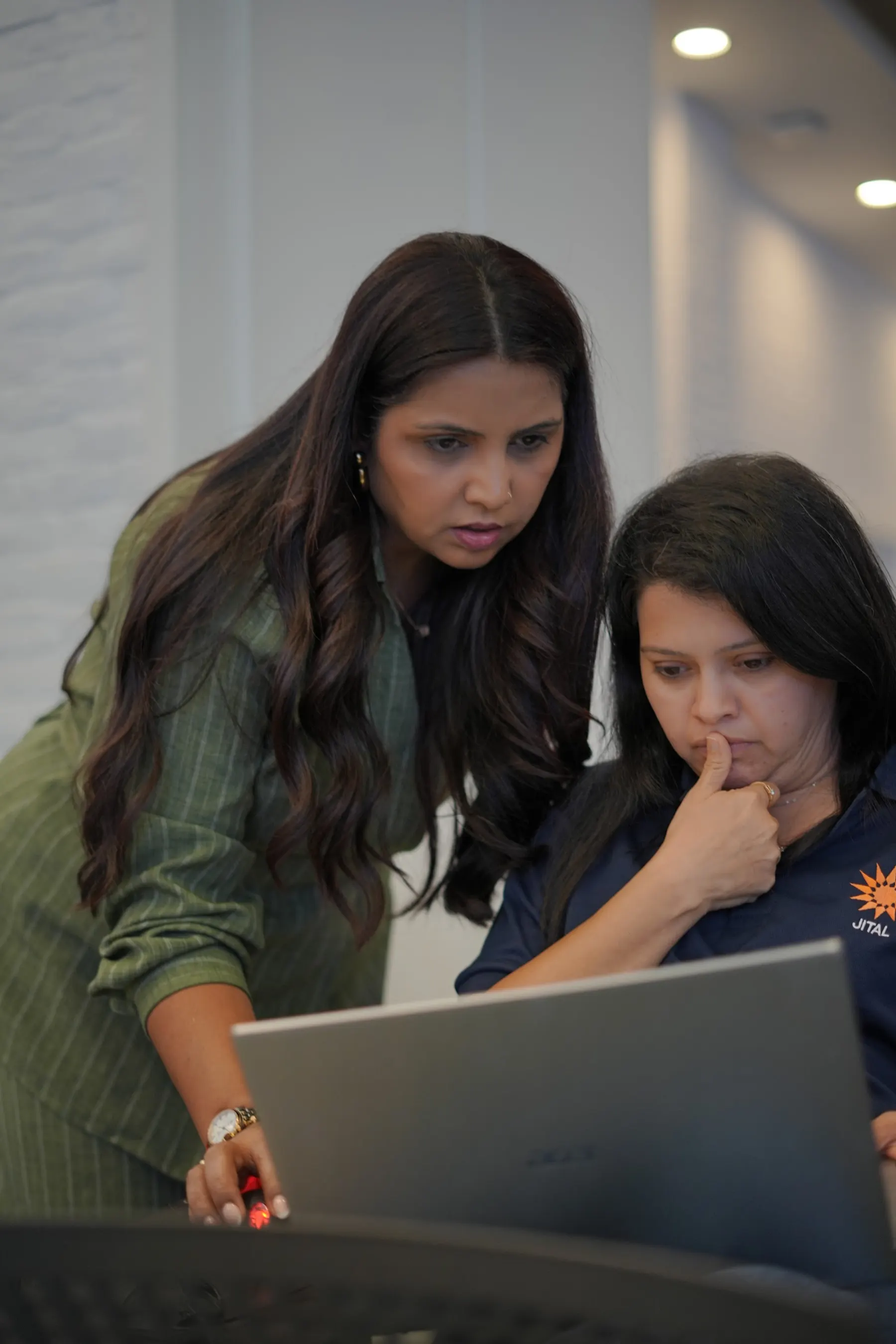
What actually comes out of the day.
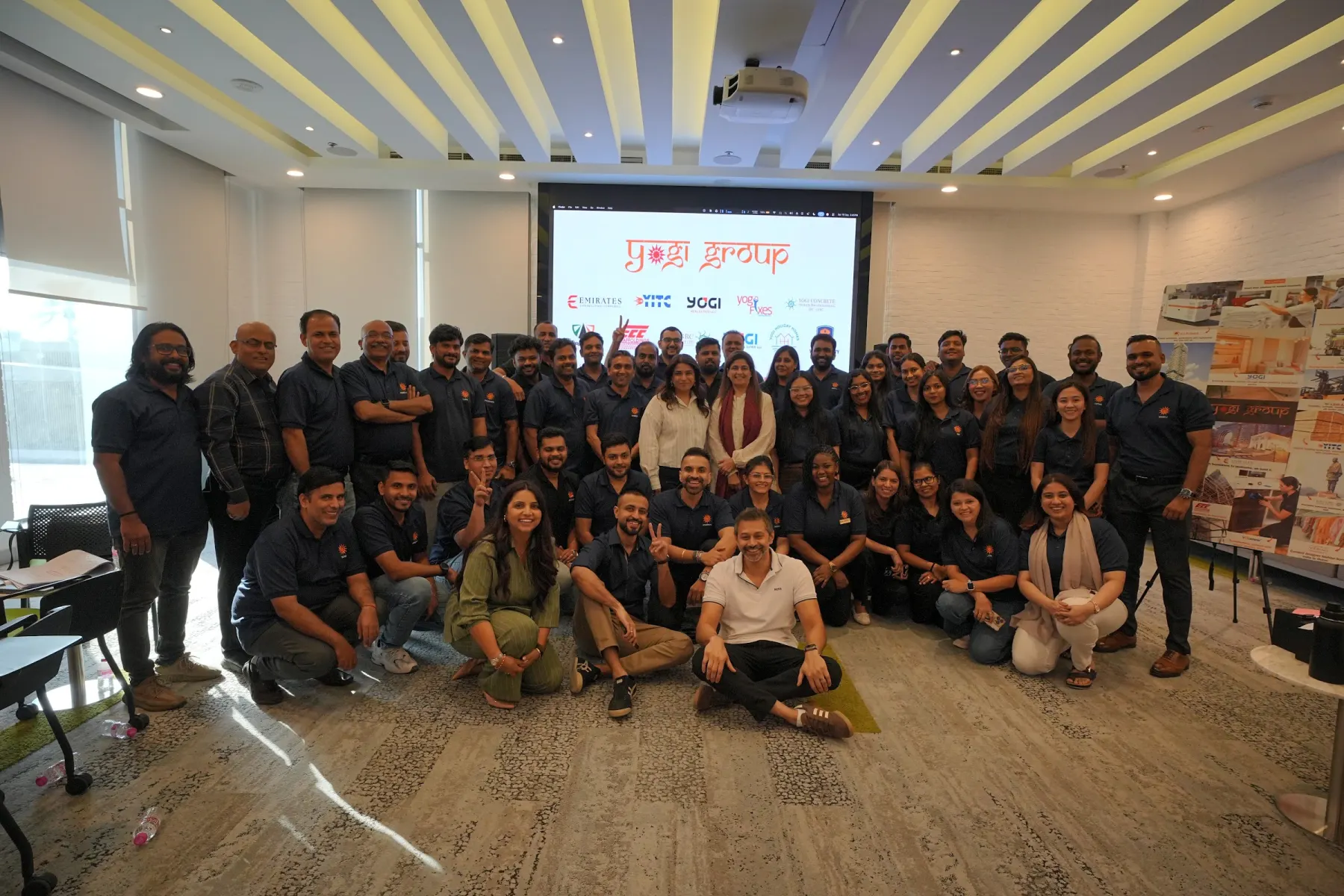
Diversified Dubai group · Sep 2026
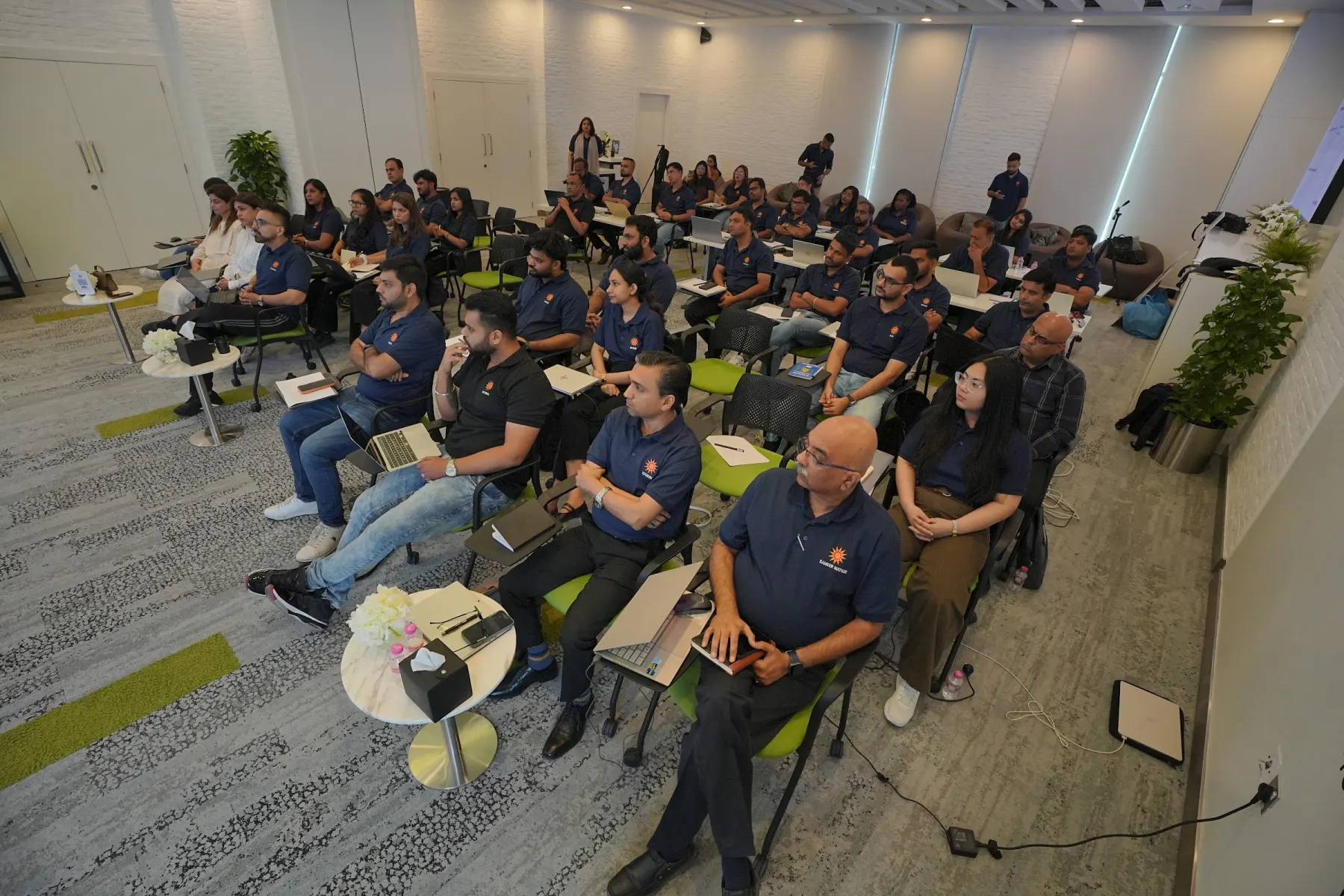
Around 40 managers, six business units, one board of ranked ideas.
Property, construction, facilities, trading and group functions in one room. Six teams produced their own use cases — from inspection reports to quotation estimates to AutoCAD-to-Excel data entry — and placed them on a single value-vs-effort board.
- 4.45/5
- satisfaction (31 responses)
- 18
- asked for a follow-up in their department
- 6
- team roadmaps on one board
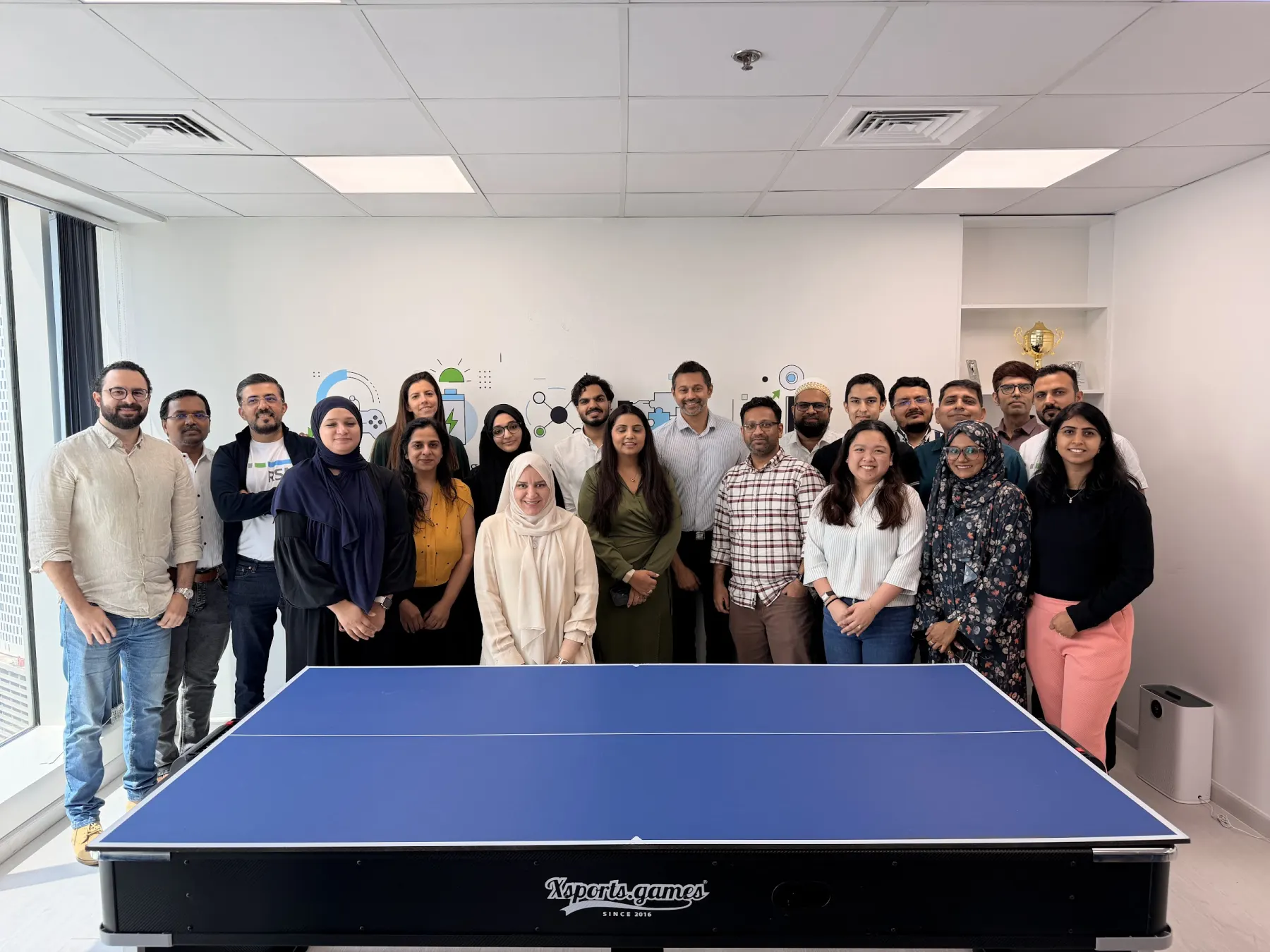
International audit & advisory firm · Aug 2026
Audit, tax and compliance staff designing their own AI work.
About 20 people across audit, tax and KYC. After the teaching block, each person filled in a use-case canvas and ranked it on a sticky-note wall. Two ideas stood out:
- Audit-file completeness check — Claude reads the file against the firm's own methodology and flags missing procedures before review.
- Tax jobs dashboard — one view of every job from KYC to billing, replacing the spreadsheet everyone updates by hand.
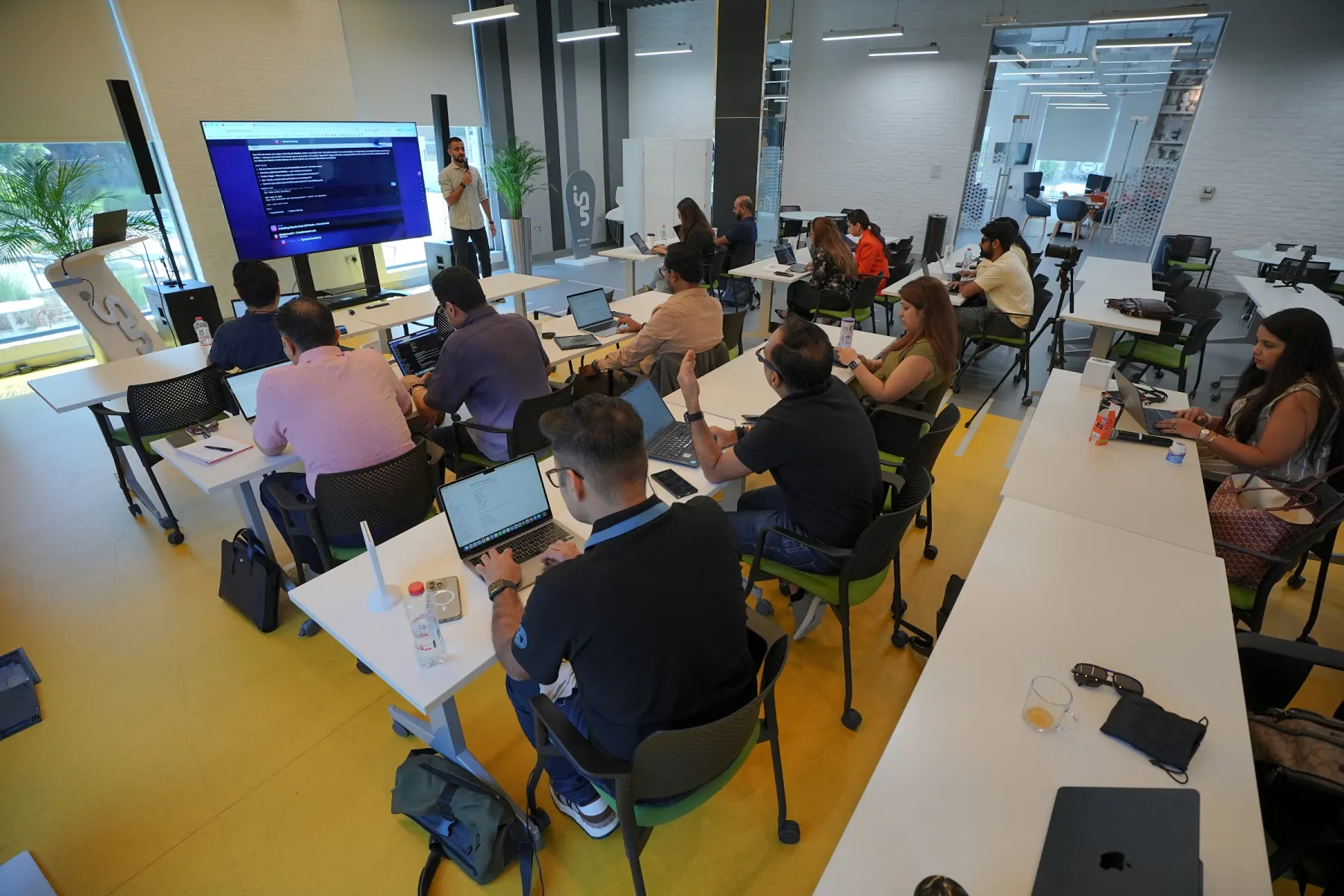
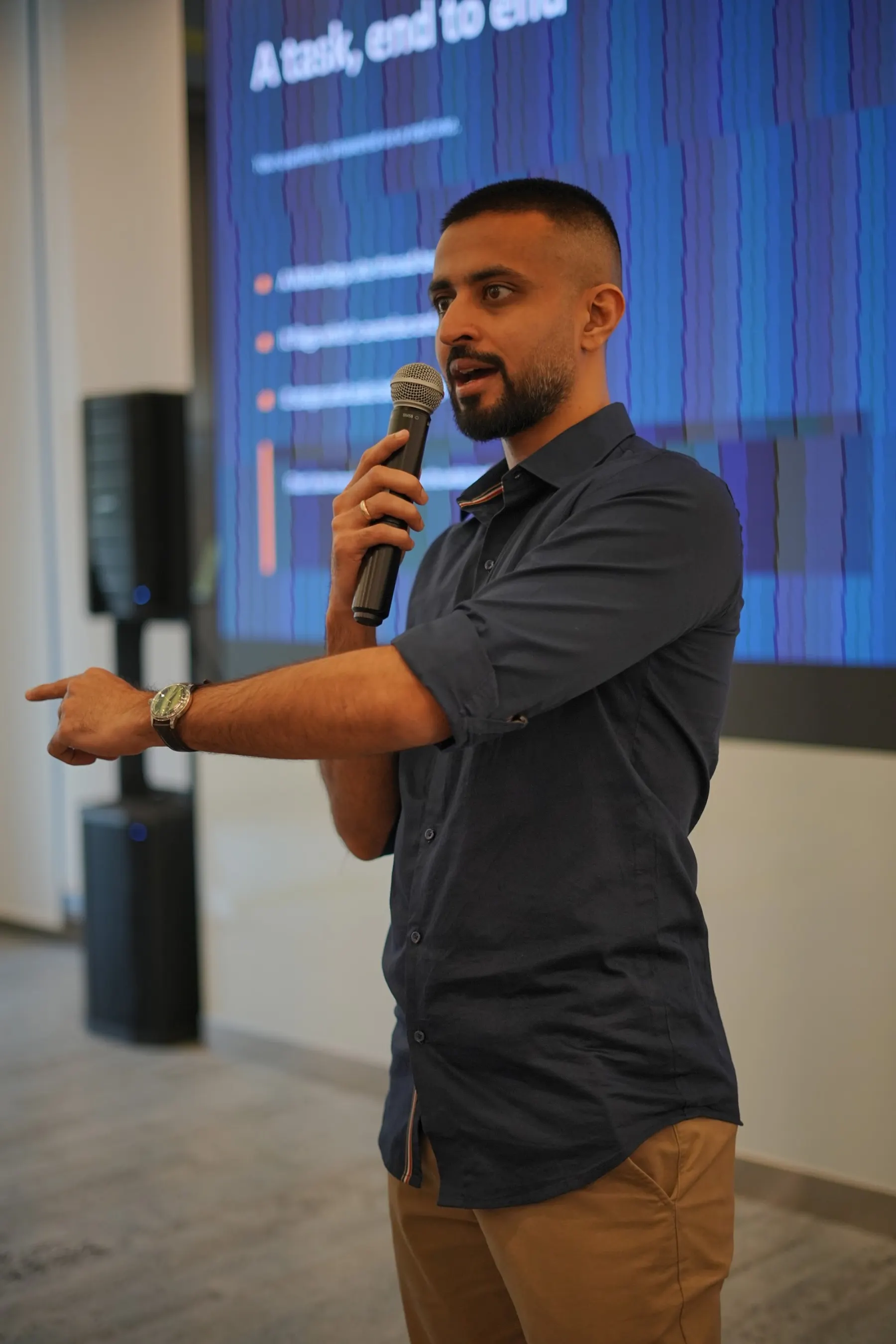
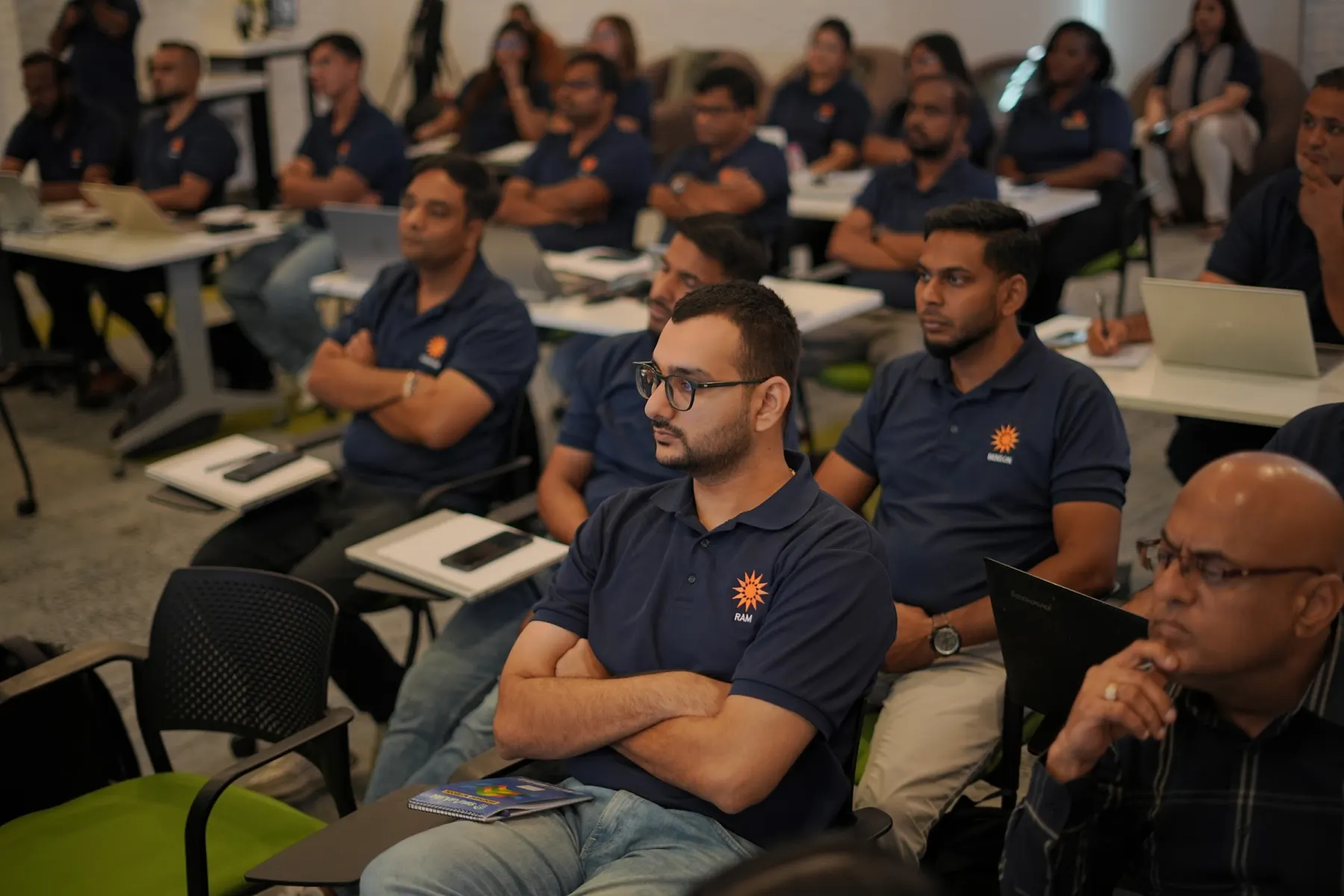
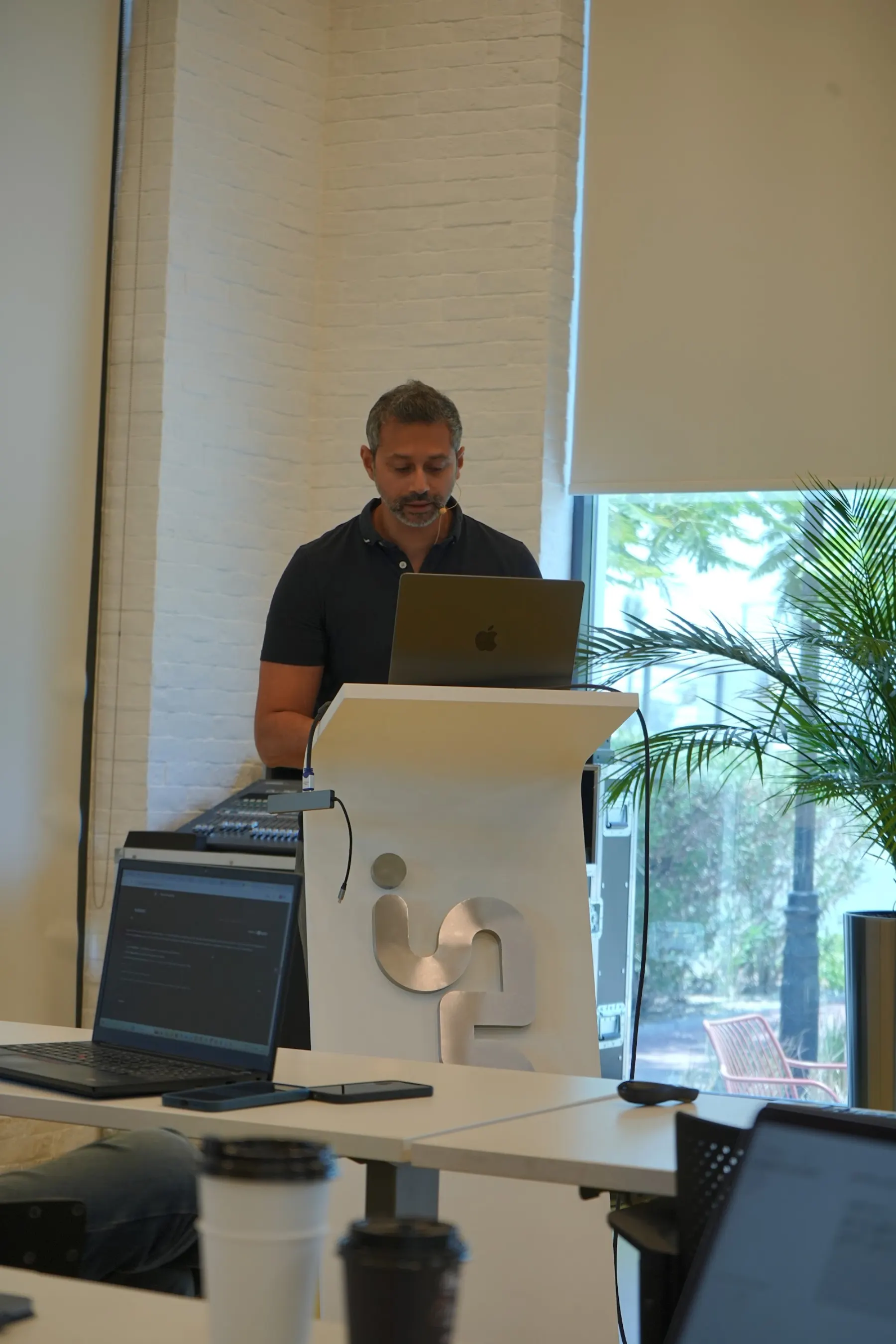
Less slides. More laptops open.
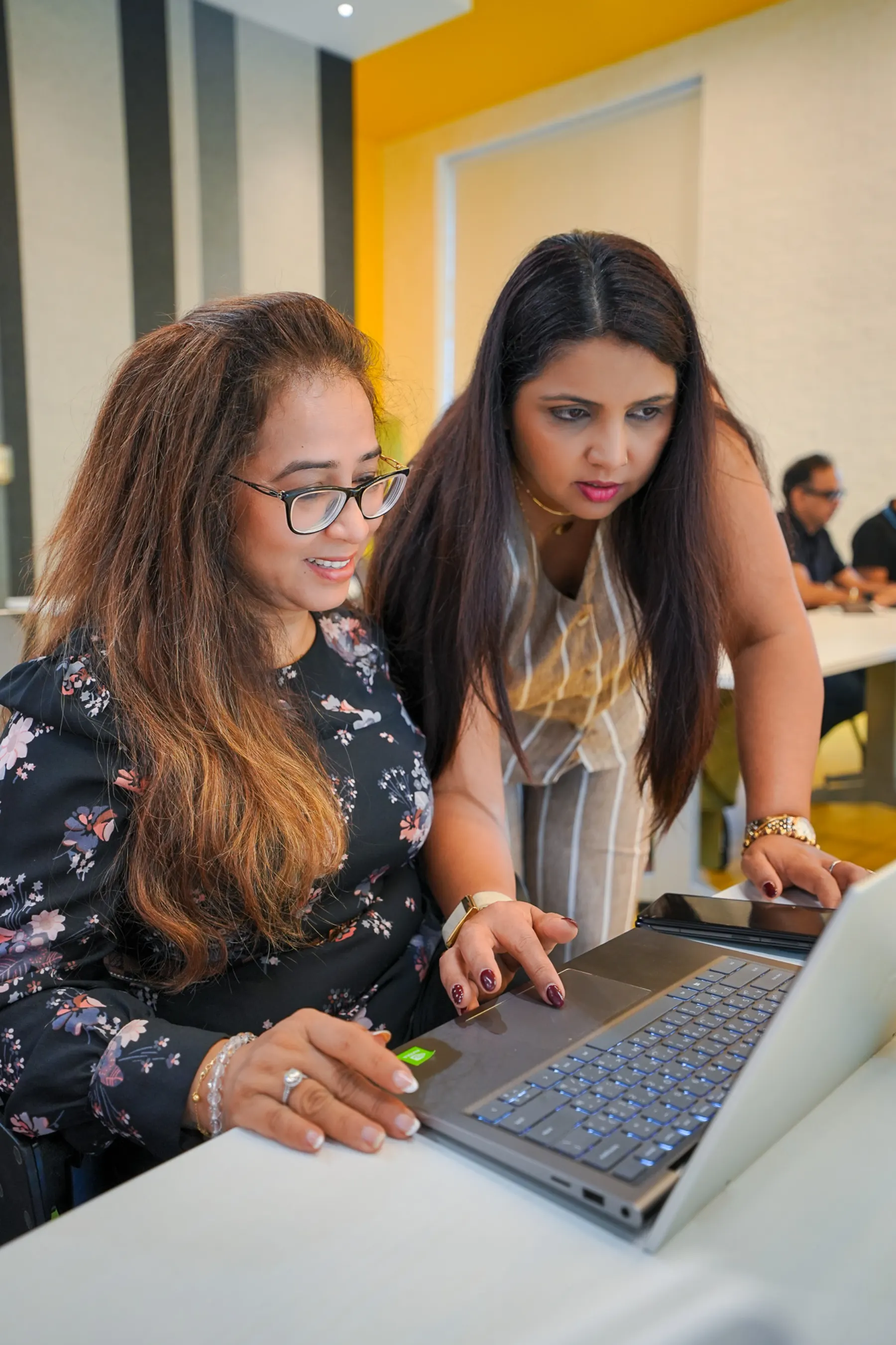
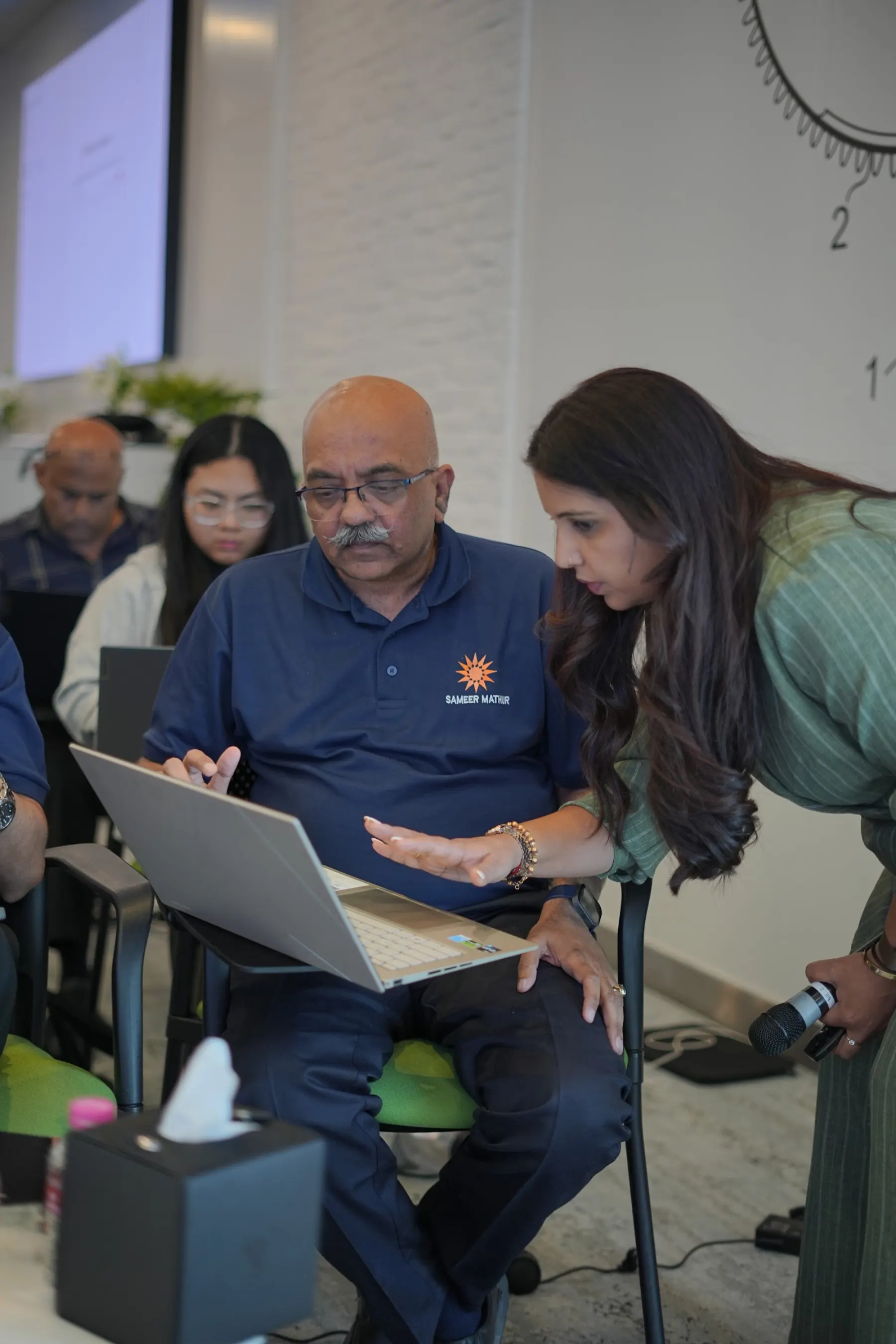
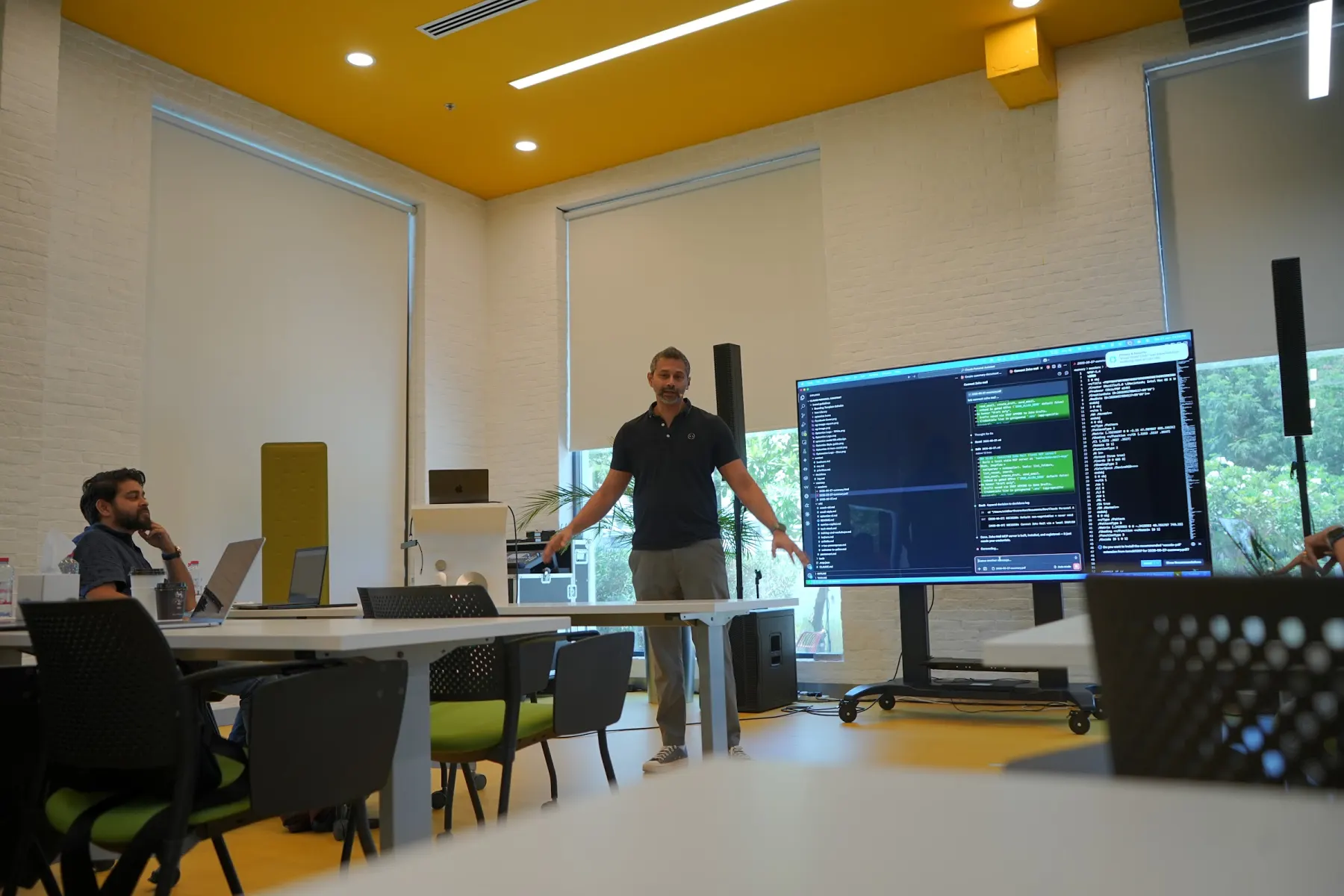
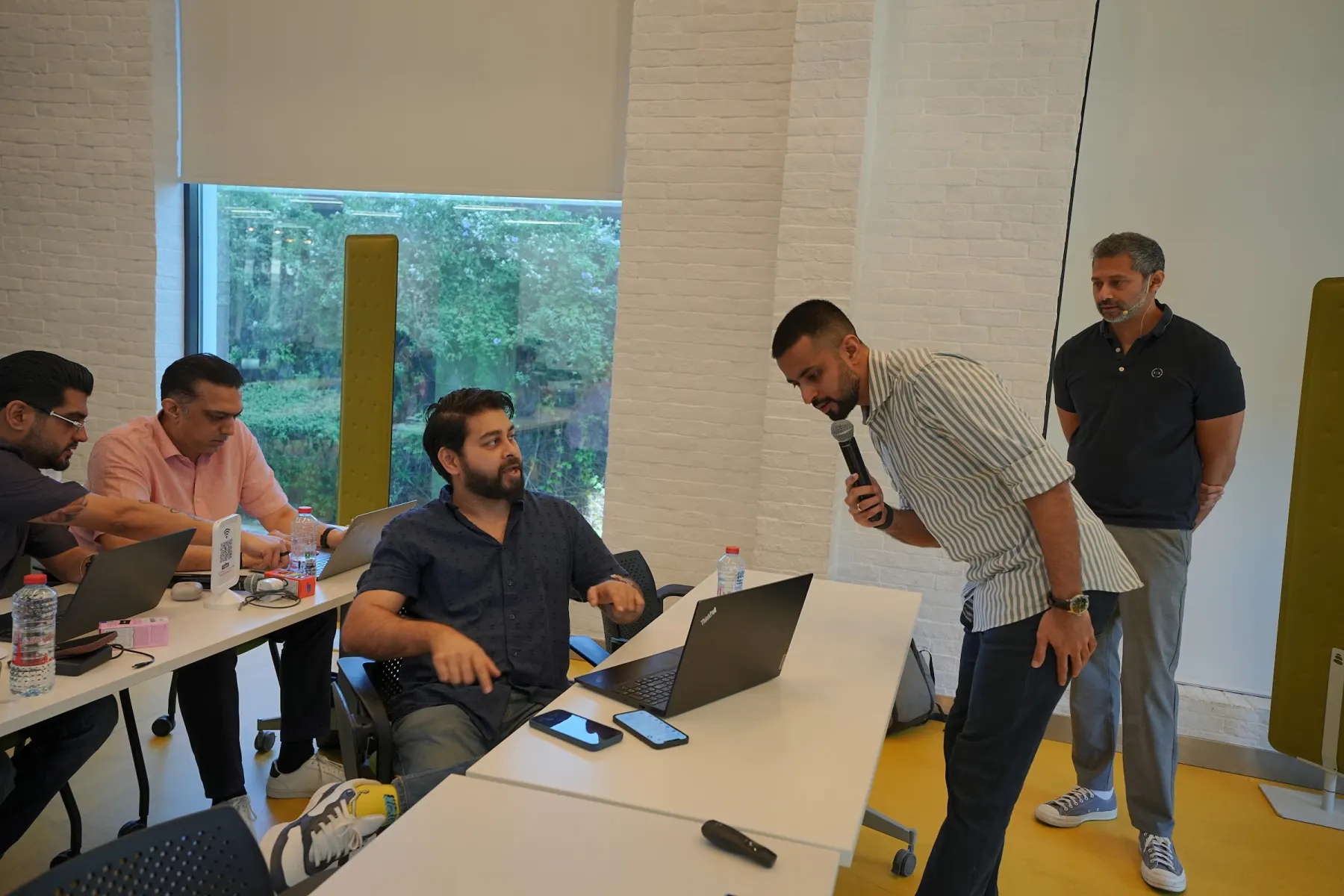
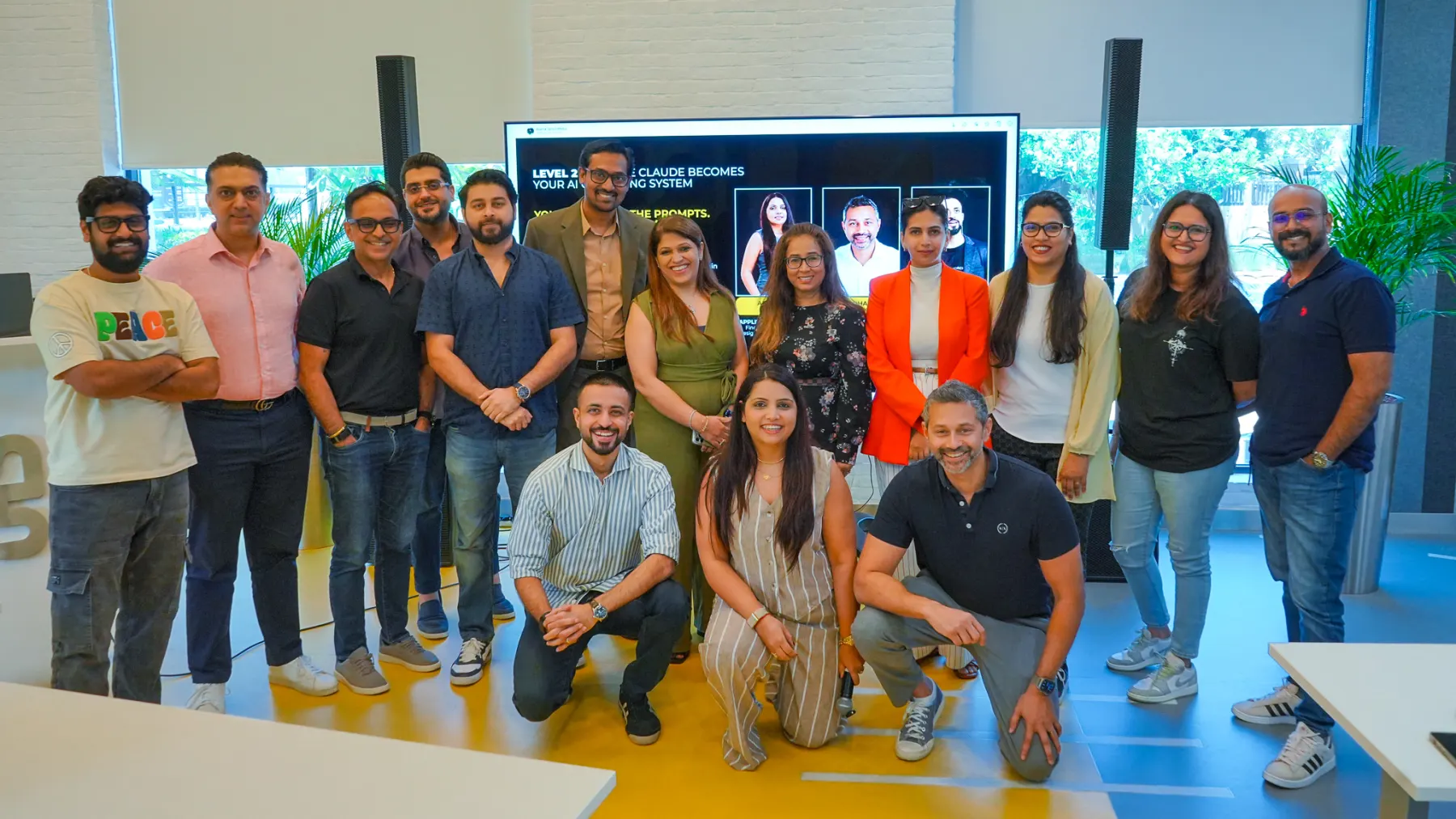
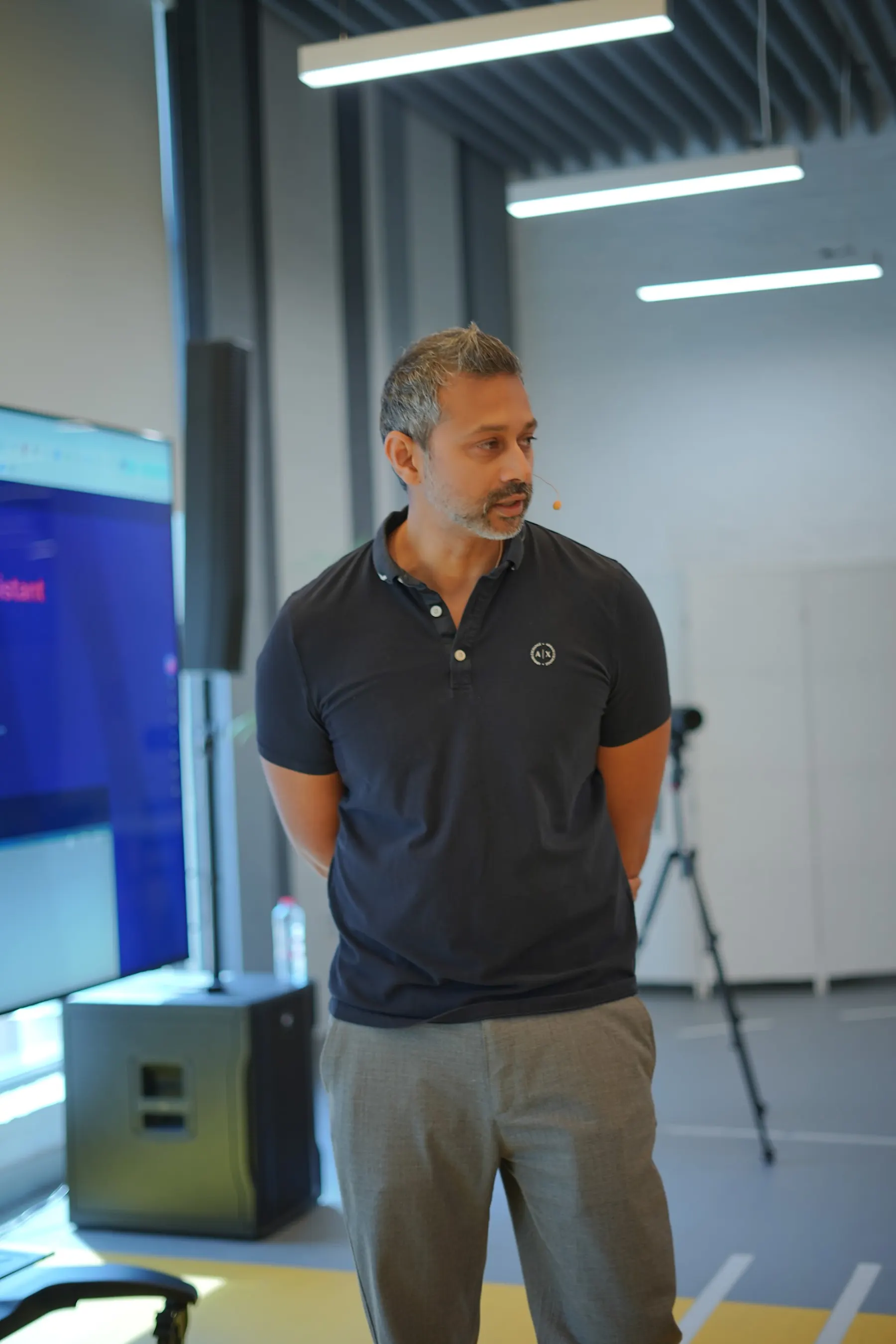
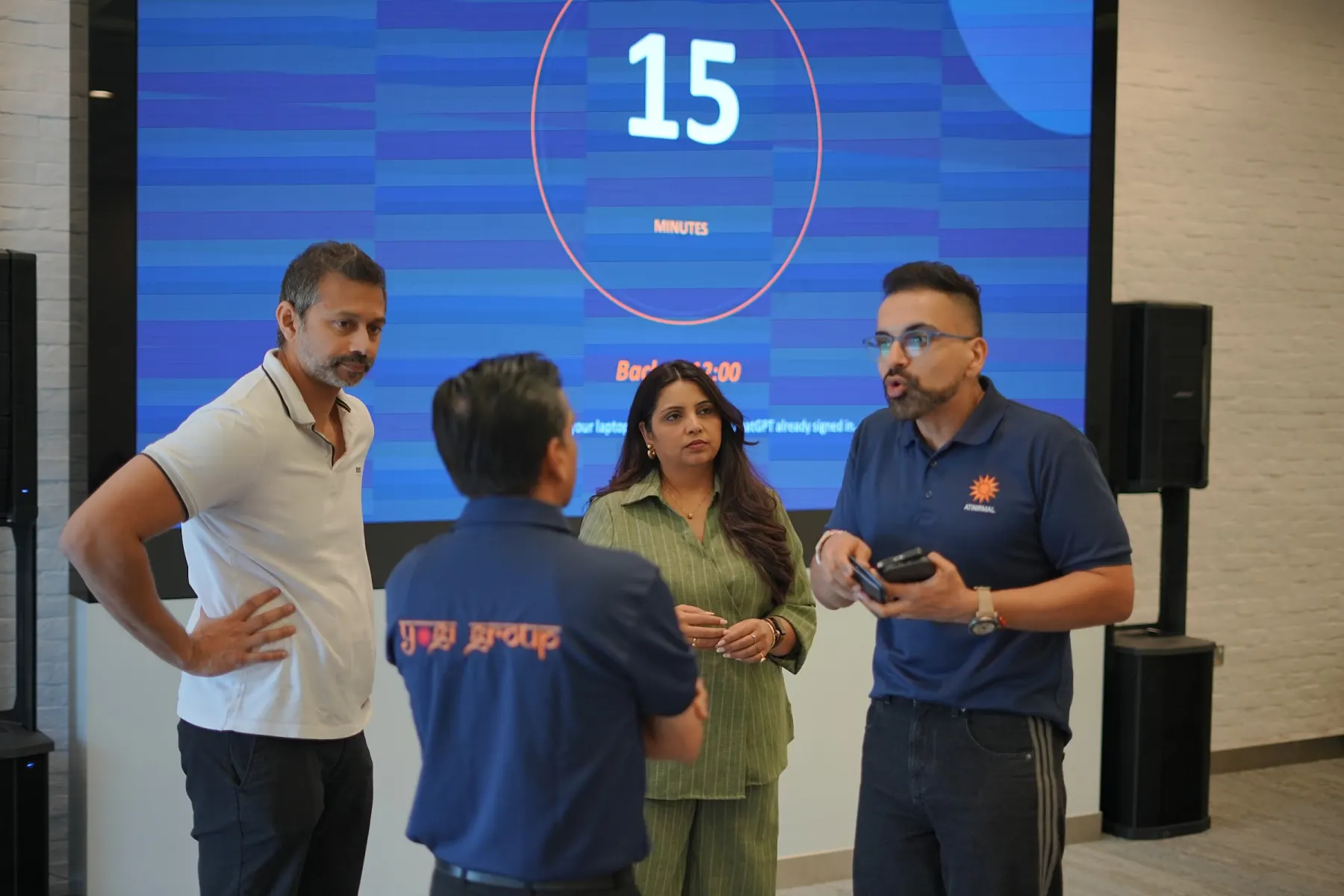
Real footage from our Claude Level 2 cohort and recent corporate workshops in Dubai.

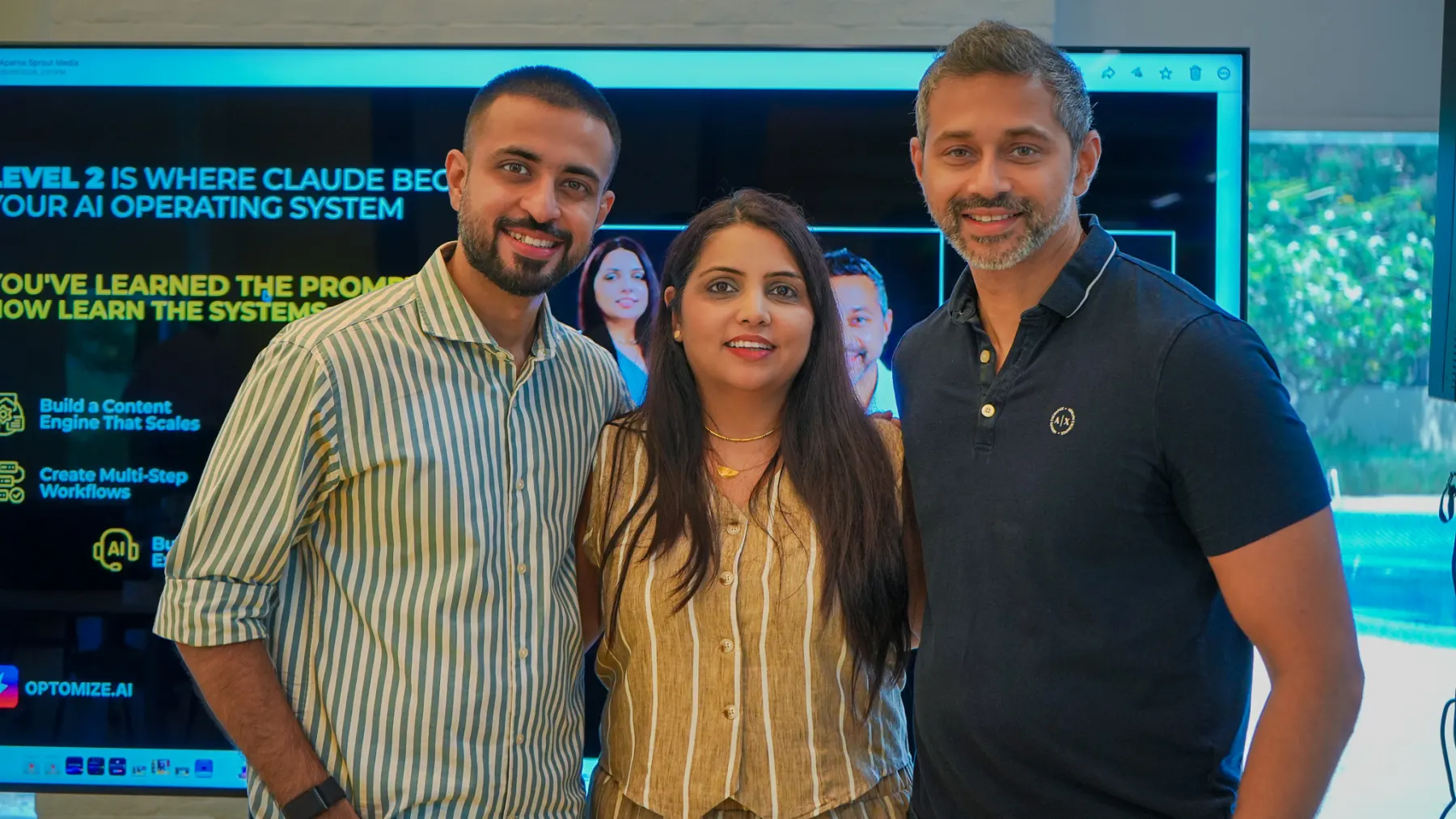
Taught by people who build this for a living.
We're not a training company. Optomize builds AI systems for businesses in the UAE — the workshops teach what we use every day, and the use cases your team finds are ones we can actually build.
Everyone hands-on
Every participant works on their own laptop. We come ready for the Mac that won’t install and the Windows machine with locked permissions.
Your industry, your tools
Examples and use-case cards are written for your sector, on the AI tools you already own — not a generic demo.
Facilitators on the floor
Multiple facilitators walk the room so nobody sits stuck for twenty minutes waiting for help.
After the workshop
Learn → Map → Build
Learn
Your team gets fluent with the tools and stops being scared of them.
Map
Your own people produce a ranked list of where AI pays back.
Build
The quick wins you run yourselves. The bigger ones, we can build with you — department by department.
Questions we get asked
Get your team using AI properly, in one day.
Tell us who's in the room and what they do. We'll suggest a format, and send a quote after a 30-minute call.